01
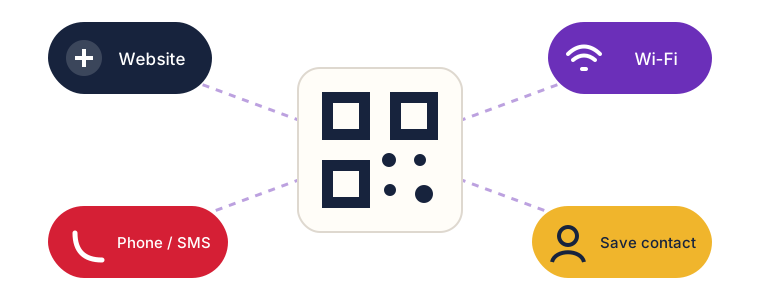
Choose a useful action
Move customers to the next step: open, save, call, message, or connect.
FREE BUSINESS TOOL / INSTAKOLOR
Create a custom QR code for a website, Wi-Fi, contact card, message, call, or location—then place it on a ready-made Scan Me sticker design.
Start creating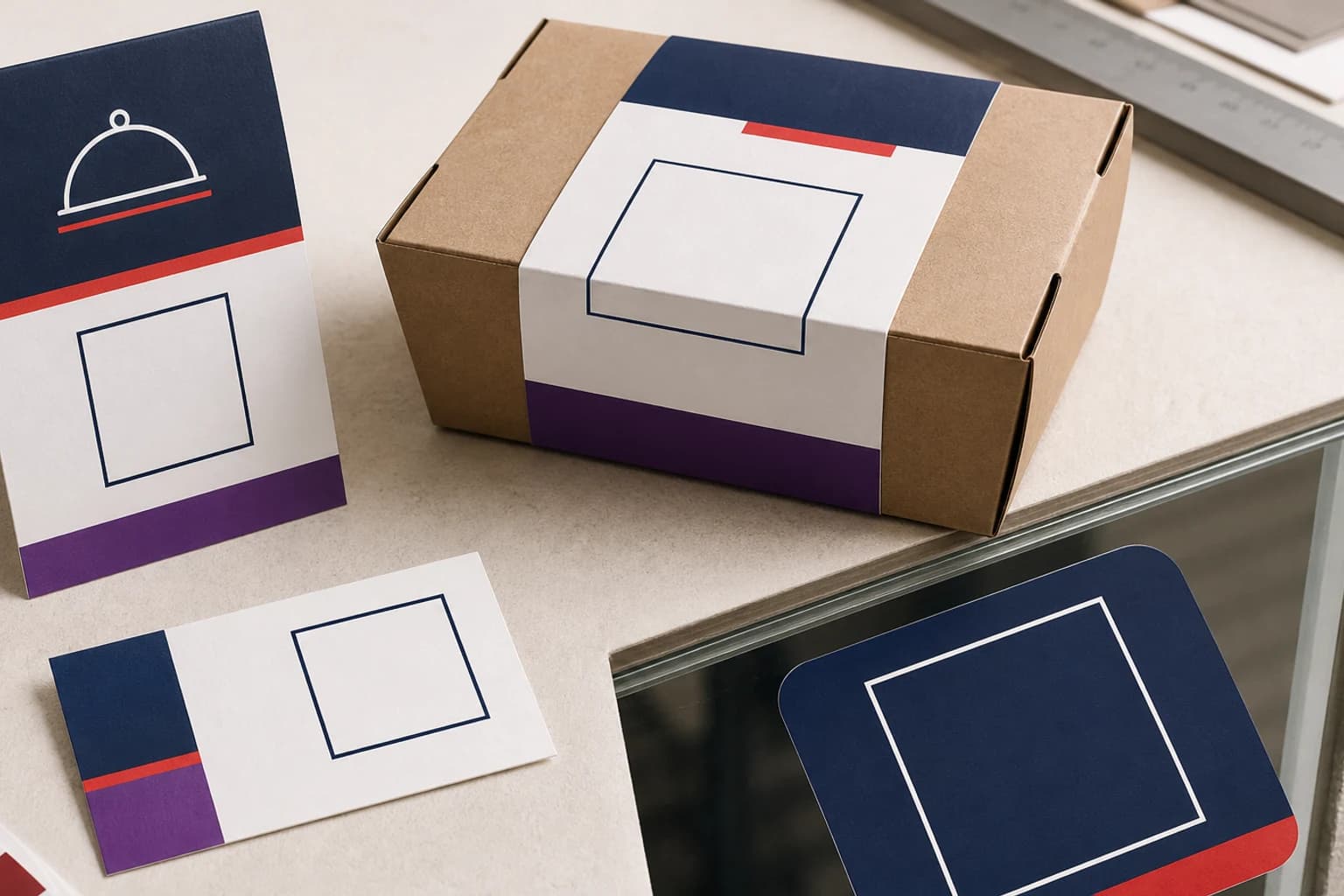
01 / Create
Choose the action, customize its shape, and test it before downloading it alone or inside a Scan Me design.
What happens when scanned
Shape, color, and logo
02 / Scan Me
Choose a design. We place your live QR and download an .easy project prepared for InstaKolor Studio.
The file keeps the artwork and QR as editable layers inside our Studio.
03 / Print it right
Move customers to the next step: open, save, call, message, or connect.
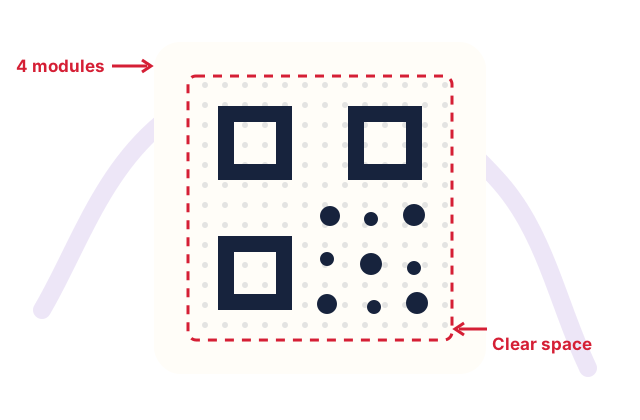
Keep text, borders, and images away from the code. Clear space helps cameras recognize it.
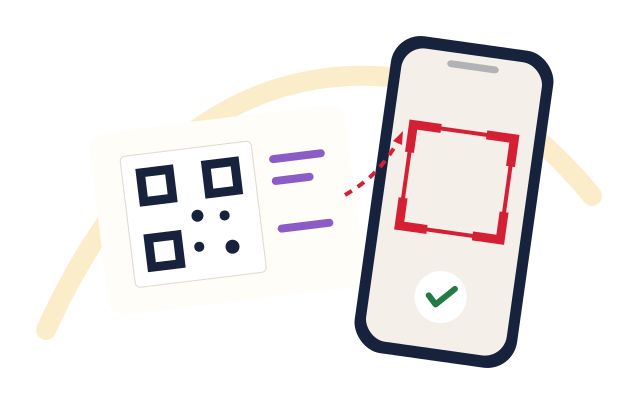
Scan at final size with different phones, distances, and lighting conditions.
FROM FILE TO PHYSICAL
FAQ
They are not currently scheduled to expire automatically. Download, test, and use them on your printed pieces.
Yes. Upload a PNG, JPG, or WebP up to 2 MB. The generator raises error correction and clears modules behind the logo, but you should always test before printing.
No. Wi-Fi QR codes are generated directly in your browser. The password is encoded in the image and is never sent to or stored on our servers.
The vCard type creates a contact file from the details you add. When scanned, the phone opens the file and offers to save it to Contacts.
PNG best preserves QR edges and is recommended. JPG is also available. Choose 1024 or 2048 px for larger pieces and preserve strong contrast and clear space.